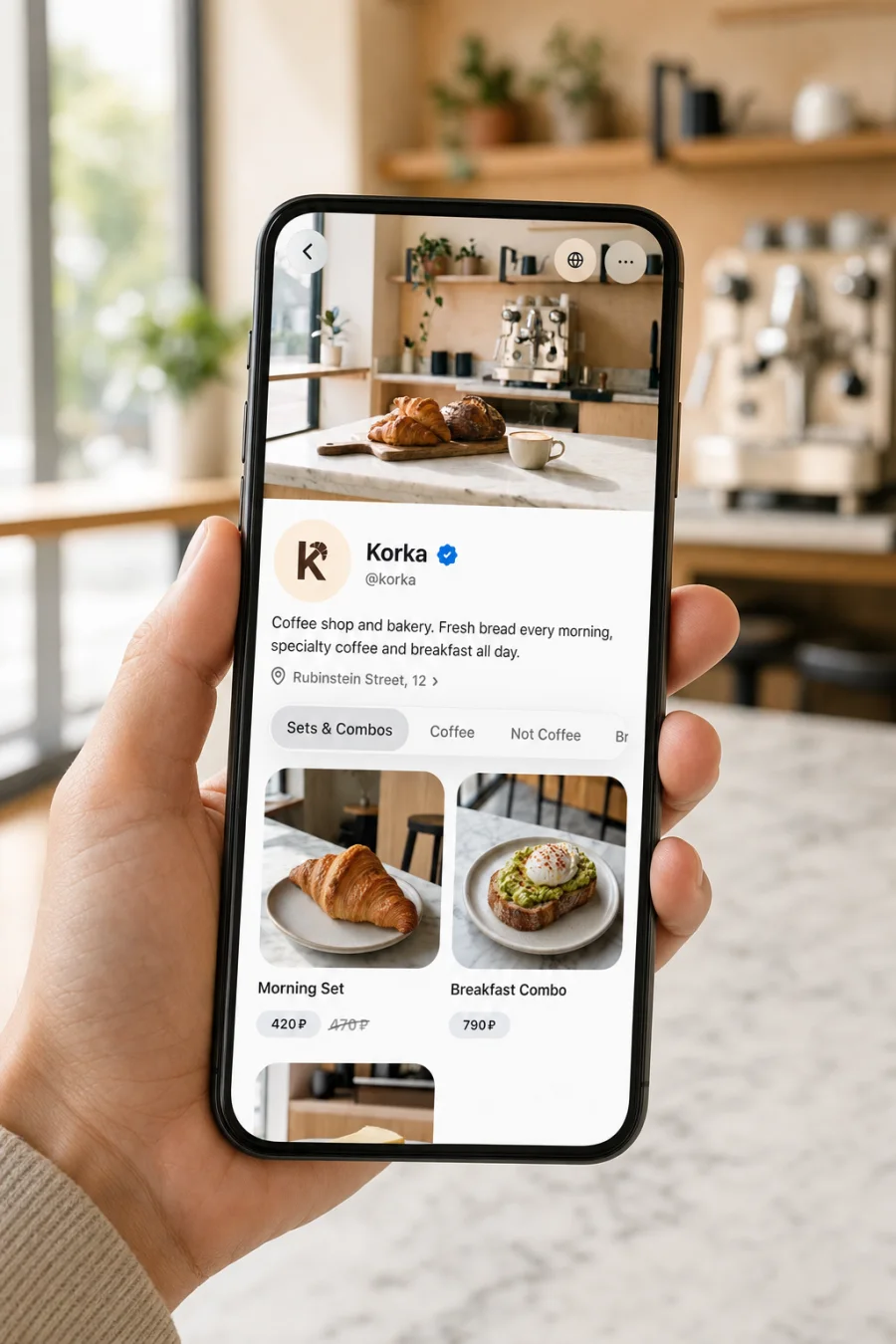
Guests order themselves, the check goes up

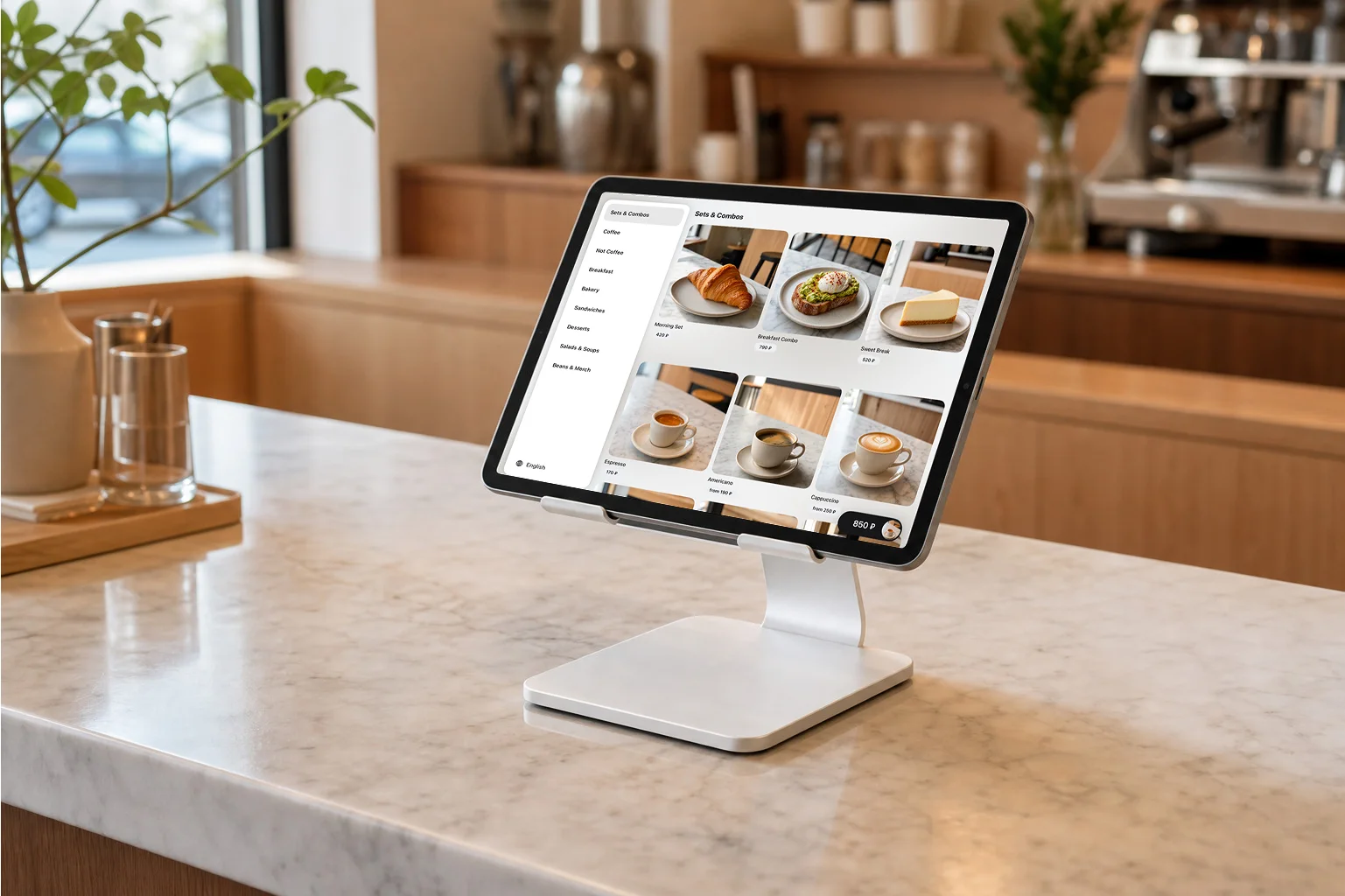
QR menus and kiosks take orders and offer add-ons. We move your menu over and help connect the POS you already use.

1% per order through Sigmela. No subscription.
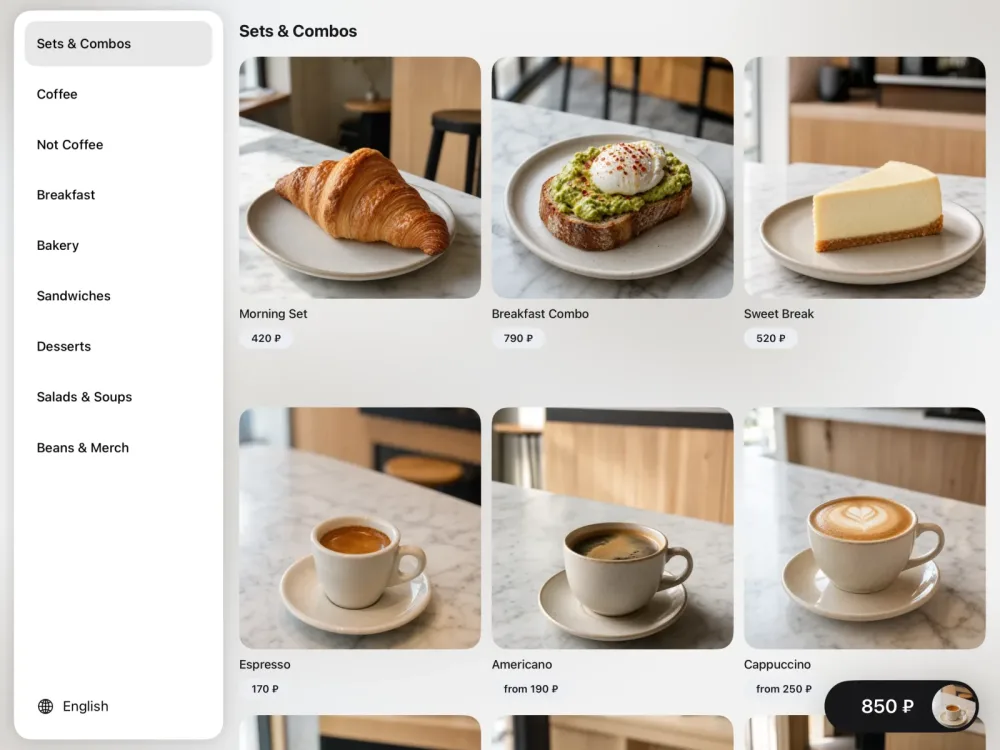
Sigmela kiosk: a guest picks dishes on an in-store screen
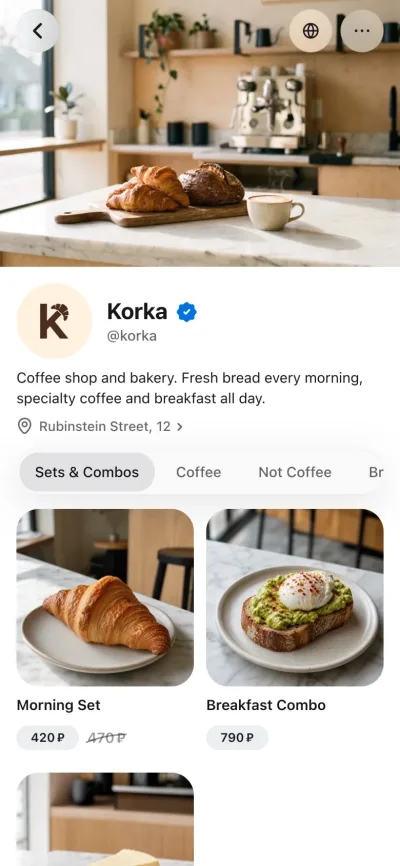
Restaurant menu on a guest’s phone
What it looks like

From first tap to your team.

QR menuWeb widgetAppKioskThrough an AI assistant
  1. The guest picks a coffee

    From a QR menu, website, app, kiosk, or AI assistant.

    CappuccinoLarge · 12 oz
    $4.50
  2. The screen offers an add-on

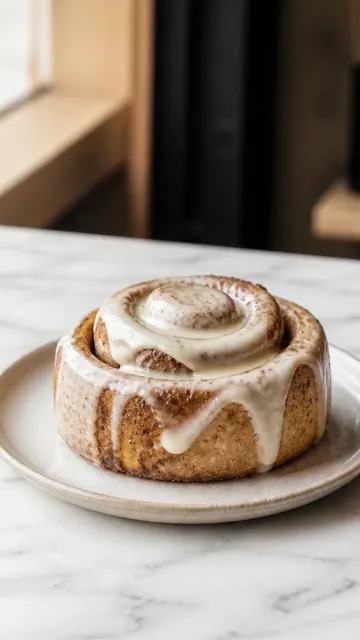
    Every guest is offered a cinnamon roll with their coffee, not only when the cashier remembers.

    Add to your order?
    Cinnamon roll+$5.90
    Add
  3. The guest submits the order

    They pay at the counter by order number or on their own phone.

    Order #104
    Cappuccino×1
    Cinnamon roll×1
    Total$10.40
    Pay at the counter or on the phone
  4. The order reaches the team

    Kitchen screen or your POS: the order lands where it gets made.

    New order · #104
    Cappuccino×1
    Cinnamon roll×1
    Preparing
Interface illustration
The menu sells

A menu that helps you sell more.

Photo and video on every item, modifiers, combos, and add-on cards. The cart suggests what to add by itself.

Send your menu and we’ll build this shop window for you.

Connect your restaurant 1% per order through Sigmela. No subscription.
No migration

Keep your restaurant setup. Connect every order.

Start with one channel. Sigmela connects to the tools your restaurant already uses and brings the menu, orders, and data together.

What stays
  • The tablets already in your restaurant
  • The POS your team already knows
  • Your current kitchen and staff workflow
What Sigmela adds
  • Your live menu, imported into one catalog
  • QR, web, kiosk, app, and AI-assistant cart handoff
  • Connected orders and analytics by guest and dish
  1. 01
    Import the menu

    We use your current sources to build an up-to-date catalog.

  2. 02
    Connect the POS

    New orders flow into the system your team already uses.

  3. 03
    Launch one channel

    Start with QR, web, kiosk, or an AI assistant. The rest reuse the same catalog.

Ready-made channels

Phone, kiosk, AI assistant. One menu.

QR menu, web, app, kiosk and AI assistant are ready-made and run on your menu.

Restaurant menu on a guest’s phone

On their phone

Sigmela kiosk: a guest picks dishes on an in-store screen

Inside your venue

Illustrative interface and data

Through an AI assistant

02 / ANALYTICS

Which add-ons do your guests buy?

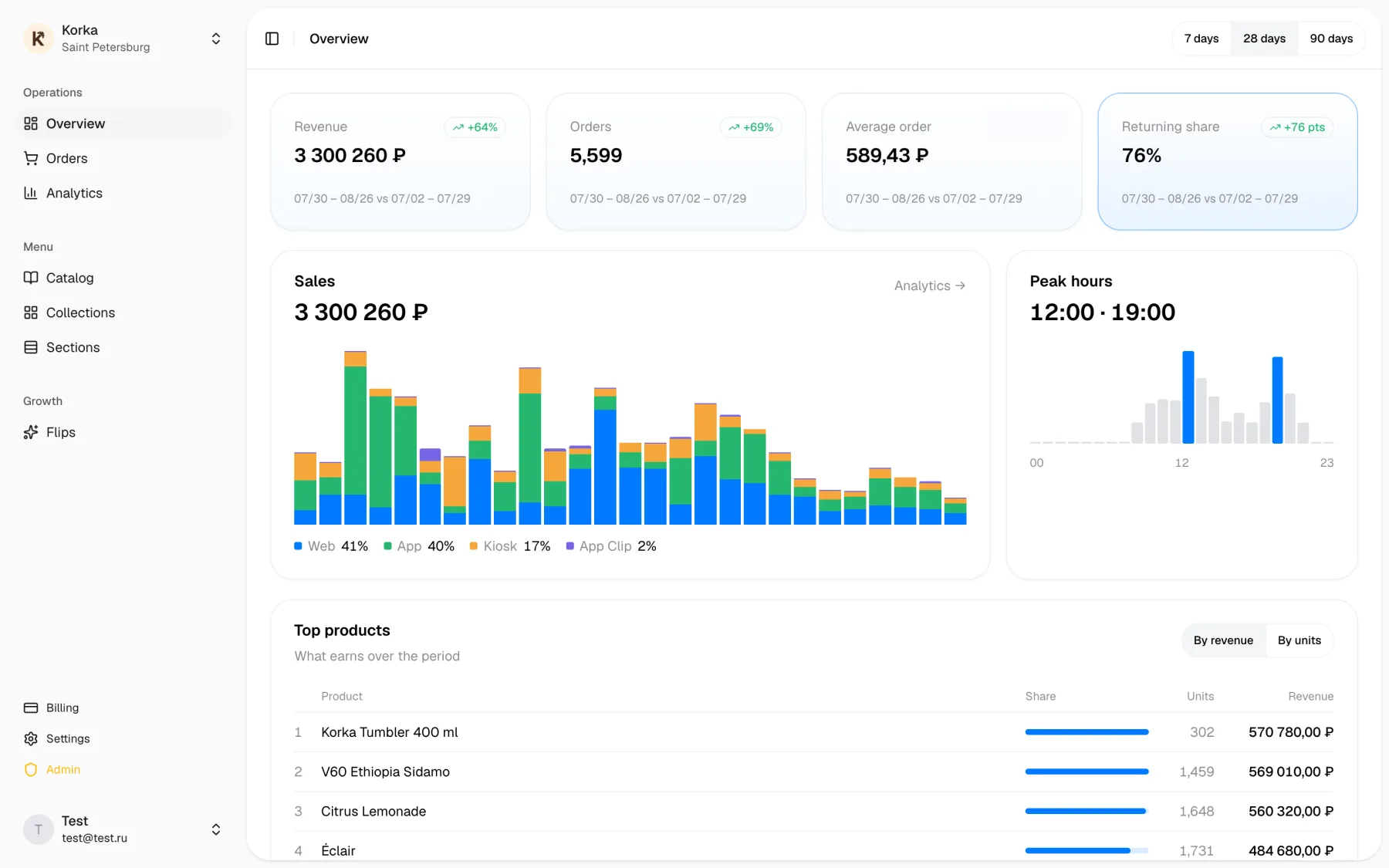
Analytics answers the owner’s question instead of building a report for its own sake: what goes with the coffee, where the check grows and which channel brings it.
Add-ons
By item
Average check
By channel
Repeat visits
Guests who came back
Sigmela overview: revenue, orders, returning-guest share and sales by channel
Sigmela AI · Available now
Which add-ons go with coffee most often?
The croissant, most often: it is in every third cappuccino order. Orders with an add-on average $2.50 more. I can break it down by channel.
Illustration. Answers use your venue’s data only

Start with your menu.

After you sign up:
  1. Send a menu link, photos or a PDF
  2. We move the menu over and check it against your POS
  3. Pick the first channel: QR, web or kiosk
Connect your restaurant 1% on every order through Sigmela, online or at the counter. No subscription or setup fee. Bank acquiring fees are charged separately.
Поддержкаsupport@sigmela.com+7 995 612-16-13@sigmelabusinessБудни, 10:00–19:00 МСК
МИРVISAСБПT-Pay

Приём платежей — АО «ТБанк»Т-Банкtbank.ru

2026 © Sigmela